The Anatomy of a No-Guesswork Audit
If you've ever run a Lighthouse test and received a 90, only to run it again five minutes later and get a 75, you've experienced the variability problem.
Guesswork enters the room when teams treat a single PageSpeed Insights (PSI) report as the absolute truth.
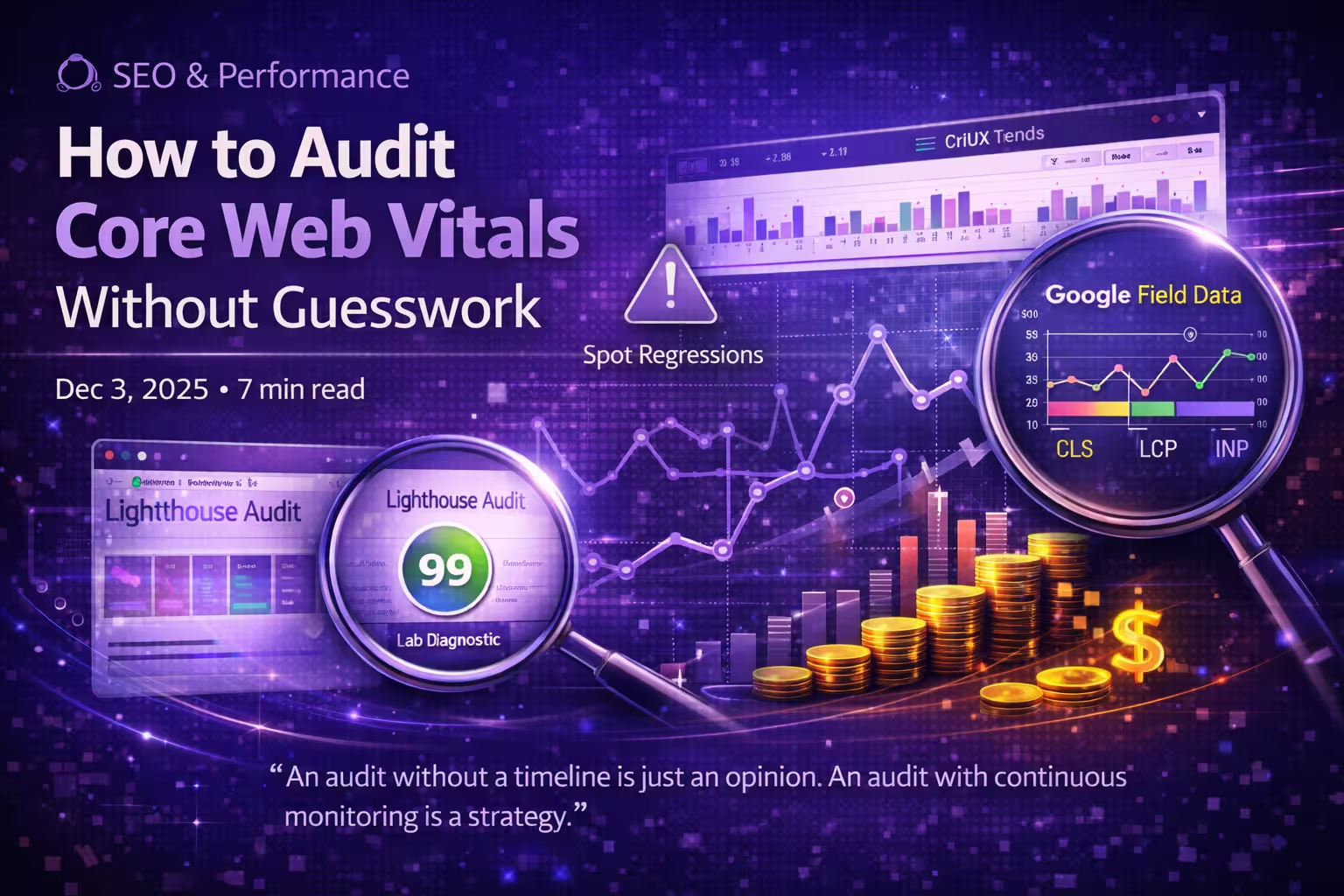
A professional audit isn't a snapshot; it's a movie. To remove the guesswork, you must balance two specific data streams provided by the PSI engine:
Lab Diagnostics
The "What"
Powered by Lighthouse. This identifies specific code-level issues like oversized images or render-blocking JS.
Field Data (CrUX)
The "Result"
Google's real-user data. This is the 28-day rolling average that Google actually uses to determine your search ranking.
Step 1: Identify the "Gap"
The first step in any audit is comparing your Lighthouse Performance Score against your CrUX Pass/Fail status.
- High Lab / Low Field: Your site is technically fast, but real-world factors (like slow 4G devices or global latency) are hurting your users.
- Low Lab / High Field: Your site has technical debt, but your actual audience (likely on high-end devices) is powering through it.
Step 2: Use Automated Trends, Not Manual Tests
The "Guesswork" in performance comes from manual testing. A developer might run a test after an optimization and think they've fixed the problem, only to have a background script slow it down an hour later.
By using Veloxite to automate PageSpeed Insights tests, you see a trend line. If your LCP (Largest Contentful Paint) spikes at 2 PM every day, you know it's not a fluke—it's a pattern.
Step 3: Drill Down Into the Big Three
Largest Contentful Paint (LCP)
Audit LCP by looking at the Element Timing. Lighthouse will tell you which image or text block is the LCP. Without guesswork, you can then see if the delay is due to server response time (TTFB) or simple image weight.
Interaction to Next Paint (INP)
Since INP measures responsiveness during interactions, it is the hardest to test manually. Look at your Field Data trends in Veloxite. If your INP is creeping up, it's a sign that your main-thread is being choked by too much JavaScript.
Cumulative Layout Shift (CLS)
Lighthouse is excellent at catching CLS during page load. Use the "Avoid large layout shifts" diagnostic to see exactly which divs are jumping.
"An audit without a timeline is just an opinion. An audit with continuous monitoring is a strategy."
Step 4: Watch for the "Silent Regression"
Even the best audit is only valid until your next deploy. Modern web performance isn't a one-time fix; it's a state of maintenance. Automated Lighthouse monitoring ensures that when a marketing tag or a heavy hero image is added, you get an alert before your 28-day CrUX average starts to tank.
Summary: Building a Performance Culture
To audit Core Web Vitals effectively, stop chasing the 100 score on your local machine. Start monitoring the data Google sees. By combining Lighthouse diagnostics with automated PSI tracking, you remove the variability and start making data-driven decisions that actually impact your SEO and revenue.